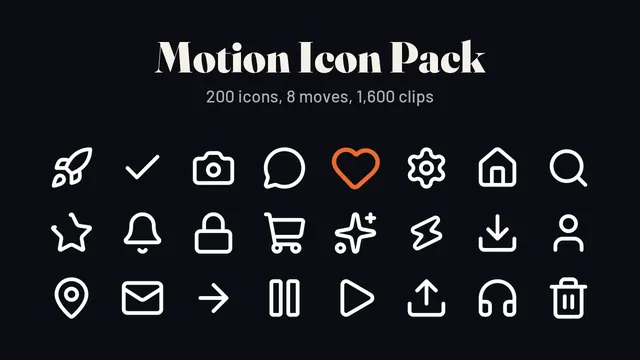
Motion Icon Pack
£9 once
Using a free editor? These animated icons drop straight onto your timeline, white on a see-through background.

by GuanYixuan
A Python library that creates and edits JianYing (the Chinese version of CapCut) video editing drafts through code. It is for building automated video editing and batch production pipelines, including template-based edits and batch export.
Proof level: ReadWorth a lookApache-2.0
Proof level: Read. We read its README and licence and ran our automatic checks. We have not run it yet. So this page is based on its README and our automatic checks.
Check this first: Needs the JianYing desktop app; the documentation is in Chinese.
Free to use, change and sell, including in paid products. Keep the copyright notice.
Not legal advice. Read the project's licence file before building a product on it.
One answer per person for each tool a day, with no account and no cookies. Your answer is remembered in this browser only. How we count
Install with "pip install pyJianYingDraft", then write Python scripts that point at your JianYing drafts folder.
Follow the official instructions in the project README.
Made and sold by us, and labelled so you know. Each one has a free version to try first.
£9 once
Using a free editor? These animated icons drop straight onto your timeline, white on a see-through background.
£12 once
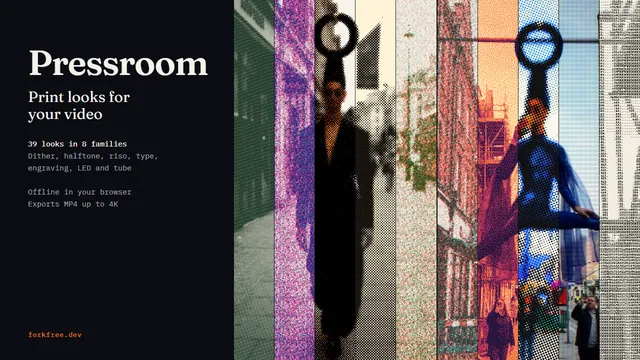
Want a dither, halftone or riso look your editor does not have? Make it in your browser and export an MP4 for any editor.
A freelancer could sell automated short-video production for e-commerce sellers or social media accounts, using templates to turn out many edits quickly.
An idea, not financial advice. Check the licence before charging for anything built on it.
Checked 25 Nov 2026. Summary drafted by AI from the project's README. Proof level 1 of 4, Read: we read its readme and licence and ran our automatic checks. we have not run it yet.
VoiceStudio is a desktop, mobile and Docker app that runs speech tools on your own device. It clones and designs voices, dubs videos, transcribes and dictates speech, and turns text into audiobooks in many languages.
Instead of ElevenLabsUp to $72 a year
HyperFrames is an open-source framework that turns HTML, CSS, media and animations into MP4 videos. It is designed so AI coding agents, or people using a command line, can write a page and render it as a video.
Instead of Remotion
OpenMotion is a studio that uses an AI coding agent to recreate a reference video with your own logo, colours, fonts and copy. It builds the video from HTML, lets you adjust timing, and renders an MP4.