Free tools / CapCut effect finder
CapCut Cube Spins 2 transition
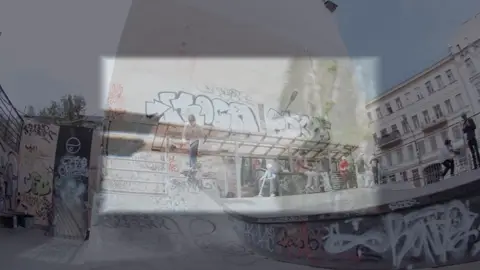
A transition in CapCut: spin and flip transitions. The preview below loops.
- Effect
- Cube Spins 2
- Type
- Transition
- Style
- Spin and flip transitions
- Transition ID
7475369896805731645
What it's good for
- Fast, playful scene changes
- Reels and shorts openers
- Action montages
How to find and use it
In CapCut, open the Transitions tab and search for "Cube Spins 2". Drag it onto the cut between two clips, then drag its edge to set how long it lasts.
If you build projects with scripts or templates, the ID above is what a CapCut project file uses to refer to it. CapCut downloads the effect the first time a project that uses it opens.
How we made this preview
The preview is a two-second clip rendered in CapCut over real scene footage, the same footage for every item on this site, so they compare fairly. How an effect looks depends a lot on your footage, so try it on yours.
Similar transitions







Unofficial. ForkFree isn't affiliated with CapCut or ByteDance, and CapCut is their trademark. Effect names and IDs were read from a CapCut desktop installation on 29 September 2026 and may change.