CapCut / CapCut creator style
Velocity edit
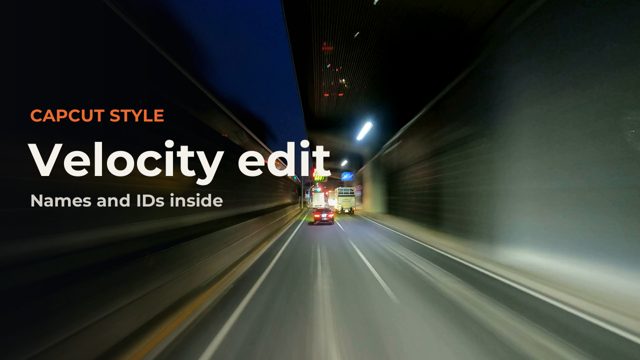
Speed ramps on the beat: the clip races, then drops into slow motion with a flash and a shake on every hit. Everything you see is CapCut's own library, put together by our template kit; the footage, music and words are ours or free stock.
 Video out on Friday 6 November
The recipe
Every item is built into CapCut. Search for it by name in CapCut, or copy the ID if you build projects with scripts or templates.
- Orange BlueFilter
7145435227442123265 - White FlashVideo effect
7399465317946264838 - Camera ShakeVideo effect
7507110964391709968 - Blur Fade-InText in animation
7648855817680096532
Speed: every shot uses a custom speed curve (Speed, Curve, Custom): 2.2x, dropping to 0.3x on the beat, then back up.
Use this as a template
Our template kit, coming soon, builds this look around your own clips. Put your clips in a folder, then run one command or ask Claude:
capcut-kit make velocity --footage <folder> --music <song>It writes a CapCut desktop project cut to your music, wide, vertical or both. Open CapCut and press Export.
Templates coming
Drop your footage in, get the finished edit
We are turning these recipes and styles into a template kit for CapCut desktop. You put your clips in a folder, pick a look, and Claude or one command builds the CapCut project for you, cut to your music.
We only use your address to tell you about the templates. Unofficial, and not affiliated with CapCut or ByteDance.
Footage and music
Free stock footage, thank you to:
Music: Phonk_Drift_MondaMusic (Pixabay Content License) https://pixabay.com/music/phonk-phonk-phonk-drift-529550/
Unofficial. ForkFree is not affiliated with CapCut or ByteDance, and CapCut is their trademark. Effect names and IDs can change between CapCut versions.