CapCut / CapCut creator style
Cinematic film edit
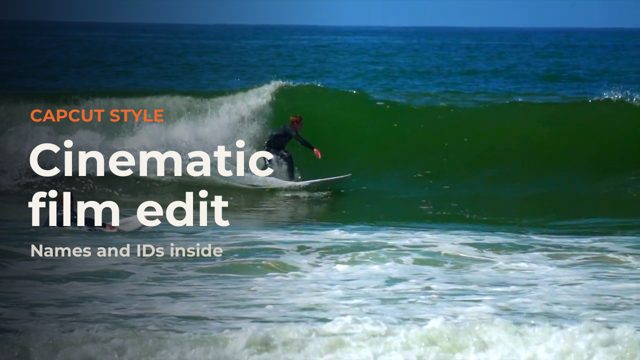
The viral cinematic look: a punchy HDR grade, glowing two-line captions, flash and shake on the drop and slow motion on the hero shot. Everything you see is CapCut's own library, put together by our template kit; the footage, music and words are ours or free stock.
 Video out on Thursday 5 November
The recipe
Every item is built into CapCut. Search for it by name in CapCut, or copy the ID if you build projects with scripts or templates.
- Flash Slam-InVideo in animation
7631460604493974805 - Cinematic BlueFilter
7675214686257712404 - 4K HDRVideo effect
7399467795173477638 - White FlashVideo effect
7399465317946264838 - Camera ShakeVideo effect
7507110964391709968 - Slam ZoomVideo effect
7604440688612166930 - Glow Fade-InText in animation
7648857602419330324 - Blur AwayText out animation
7642671302054006037
Speed: a custom speed ramp on the drop shot (Speed, Curve, Custom: fast, then 0.35x slow motion) and the last shot at 0.6x.
Use this as a template
Our template kit, coming soon, builds this look around your own clips. Put your clips in a folder, then run one command or ask Claude:
capcut-kit make cinematic --footage <folder> --music <song>It writes a CapCut desktop project cut to your music, wide, vertical or both. Open CapCut and press Export.
Templates coming
Drop your footage in, get the finished edit
We are turning these recipes and styles into a template kit for CapCut desktop. You put your clips in a folder, pick a look, and Claude or one command builds the CapCut project for you, cut to your music.
We only use your address to tell you about the templates. Unofficial, and not affiliated with CapCut or ByteDance.
Footage and music
Free stock footage, thank you to:
- Emirhan Emiroğlu
- Darina Evstafeva
- Erik Mclean
- Kindel Media
- とら にい
- cottonbro studio
- Chó Và Mèo
- Erik Mclean
- Luca Musella
Music: alex-morgan-dark-trap-lazy-beat-instrumental-587390 (Pixabay Content License) https://pixabay.com/music/trap-dark-trap-lazy-beat-instrumental-587390/
Unofficial. ForkFree is not affiliated with CapCut or ByteDance, and CapCut is their trademark. Effect names and IDs can change between CapCut versions.