CapCut / CapCut recipe
Neon gaming setup edit
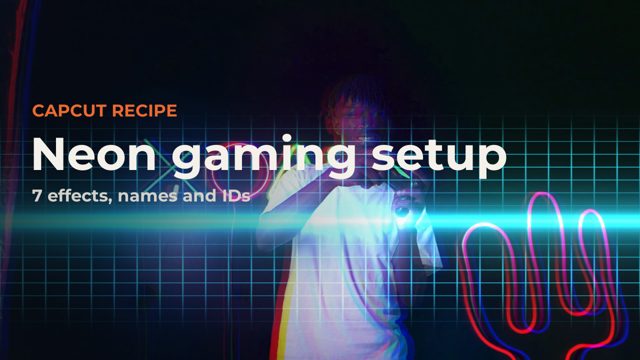
A neon gaming setup look built entirely from CapCut's own library: one filter, three video effects and three transitions, cut on the beat. It suits gaming setups, RGB desks and streamer intros. Every name and ID is below so you can rebuild it in seconds.
 Video out on Monday 9 November
The recipe
Every item is built into CapCut. Search for it by name in CapCut, or copy the ID if you build projects with scripts or templates.
- Purple NightFilter
7664935614067838228 - Grid ScanVideo effect
7676399362737589505 - Pixel WaveVideo effect
7650090541631311125 - Neon Gem SpeedVideo effect
7682623822159301906 - Pixel StarTransition
7559132606755835189 - Cube RollTransition
7677941301416824080 - RGB SpinTransition
7499818905565744437
Use this as a template
Our template kit, coming soon, builds this look around your own clips. Put your clips in a folder, then run one command or ask Claude:
capcut-kit make neon-gaming --footage <folder> --music <song>It writes a CapCut desktop project cut to your music, wide, vertical or both. Open CapCut and press Export.
Templates coming
Drop your footage in, get the finished edit
We are turning these recipes and styles into a template kit for CapCut desktop. You put your clips in a folder, pick a look, and Claude or one command builds the CapCut project for you, cut to your music.
We only use your address to tell you about the templates. Unofficial, and not affiliated with CapCut or ByteDance.
Footage and music
Free stock footage, thank you to:
Music: Pixabay Content License track or our own locally generated bed.
Unofficial. ForkFree is not affiliated with CapCut or ByteDance, and CapCut is their trademark. Effect names and IDs can change between CapCut versions.